Setting up Account
Getting started is simple! Follow these steps to create your account.
Step 1: Open the Platform
Visit: https://app.darukaa.com
Step 2: Sign Up
- Click on "Sign Up" or "Create Account"
- Enter your email address
- Create a secure password
- Accept the Terms & Conditions
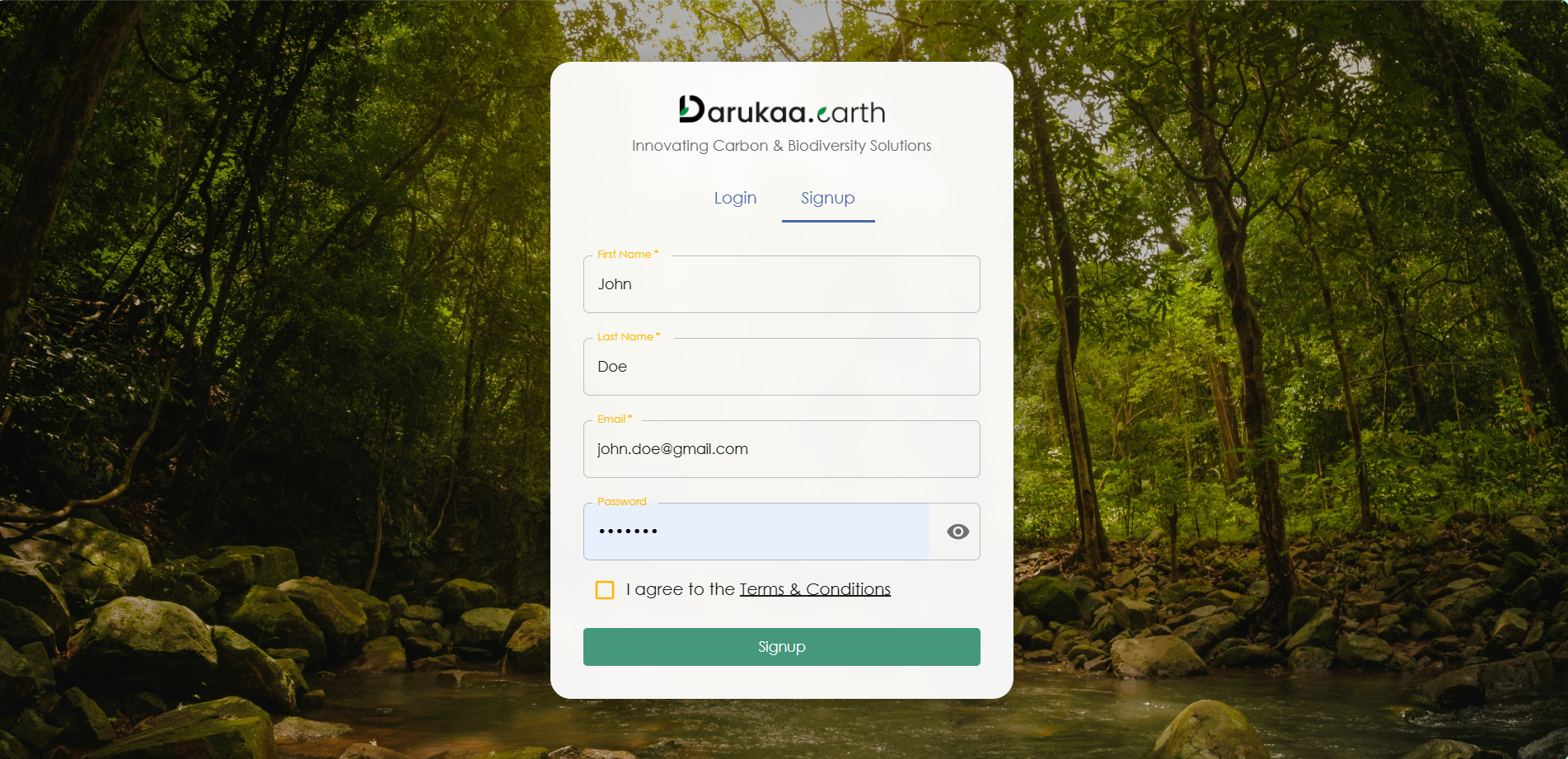
Sign up page showing email registration and verification process
Step 3: Verify Your Email
- Check your inbox for the verification email from Darukaa.Earth
- Click the verification link in the email
- You'll be redirected back to the platform
Step 4: Login
- Once verified, return to the platform
- Enter your email and password
- Click "Login"
Pro Tip: Keep your login credentials secure. You'll need them to access the API as well!
Next Steps
After setting up your account, proceed to: - Creating a Project - Understanding User Roles - API Authentication